
Peak Compatible CAN Dongle
Terms and Conditions
Orders Dispatched Within 24 hours - Excluding Weekends and Bank Holidays.


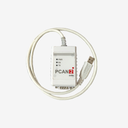
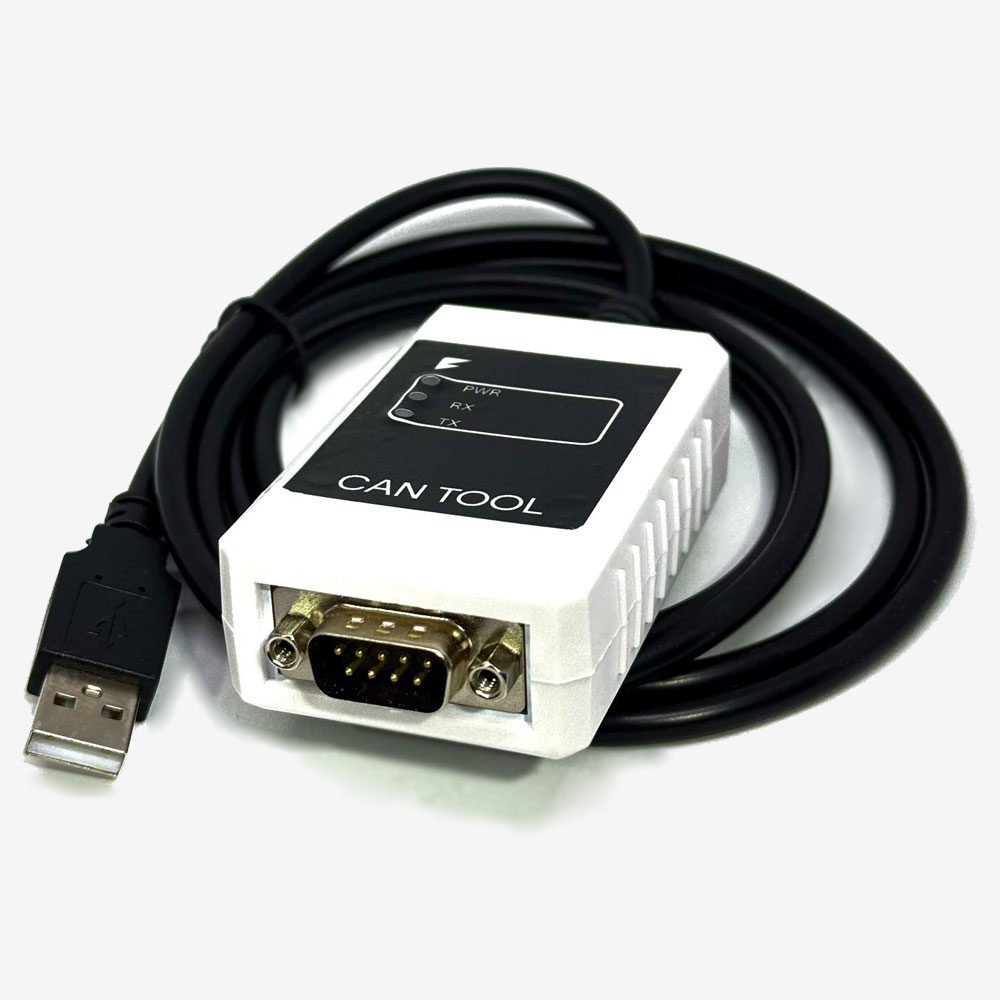
A dual channel USB to CAN adapter, Peak compatible, for configuring and diagnosing the CAN systems in a conversion. Two independent channels, so you can watch a vehicle bus and a BMS bus at the same time.
Almost every configuration or fault finding job on a modern conversion starts with getting a laptop onto the CAN bus. The BMS, the inverter, the charger and the vehicle controller all talk over CAN, and until you can see that traffic you are guessing.
Two channels is the reason to choose this over a single channel dongle. A conversion normally has more than one bus, typically an internal pack bus and a vehicle bus, and the interesting faults are the ones that happen where the two meet. With one channel you see one side and infer the other. With two you see both at once, timestamped together.
It speaks the standard higher level protocols as well as raw CAN, so it works with CANopen and J1939 equipment alongside the Orion and Fellten tooling.
Key specifications
| Part | USBPCAN2 |
|---|---|
| Type | USB to CAN adapter, Peak compatible |
| Channels | 2, independent |
| Protocols | CAN, CANopen, J1939 |
| Host connection | USB |
| Weight | 0.8 kg |
Features
- Two independent channels, so a pack bus and a vehicle bus can be watched together
- Peak compatible, which is what the Orion software expects
- Handles CANopen and J1939 as well as raw CAN frames
- Bus powered over USB, so there is nothing else to carry to a job
Compatibility
For Orion BMS configuration, Fellten system diagnostics, and any CAN work on a conversion.
If you also need the OBD cabling and the Orion side adapter, the diagnostic and programming cable kit bundles this dongle with both and is the simpler thing to buy for a first setup.
Software is not supplied. The Orion utility and the Peak drivers are downloaded separately.
In the box
- 1 x dual channel USB to CAN adapter
Downloads
The CAN trace request form is in the Documents tab. If you are sending us a trace for diagnosis, filling that in first tells us what we need to read it properly.